


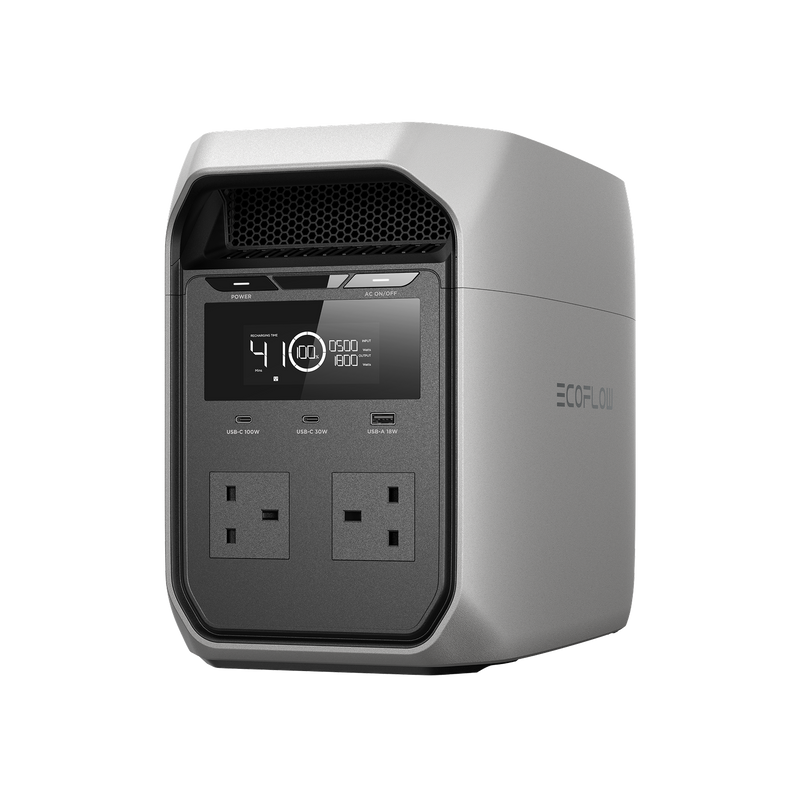
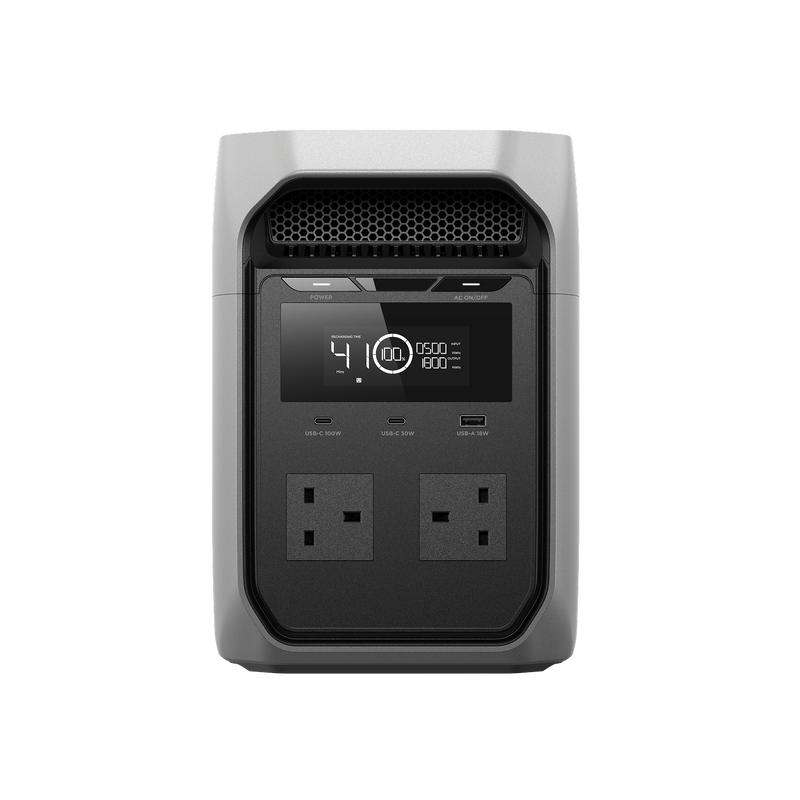
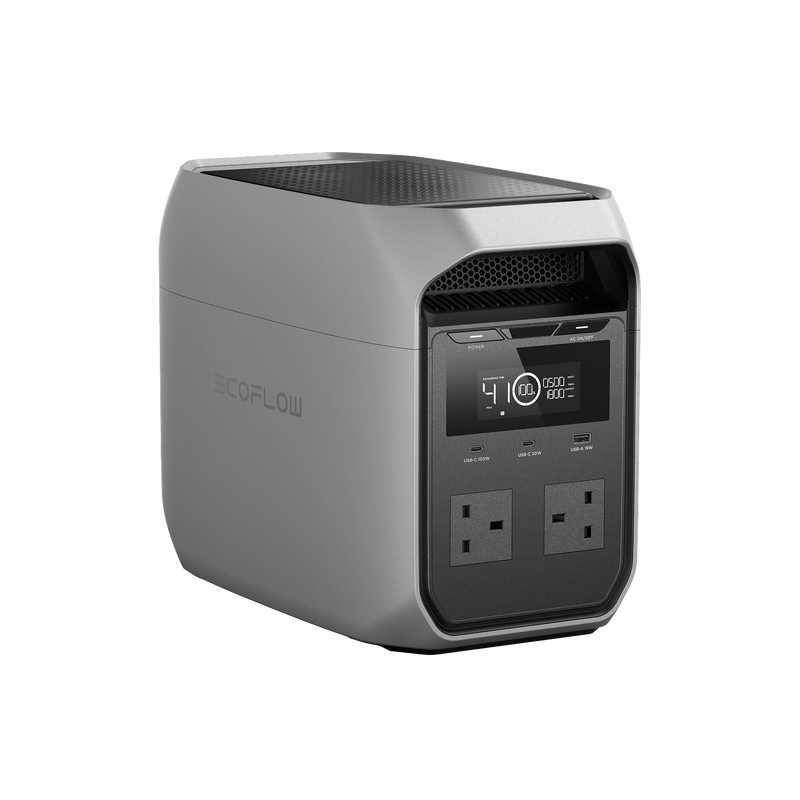
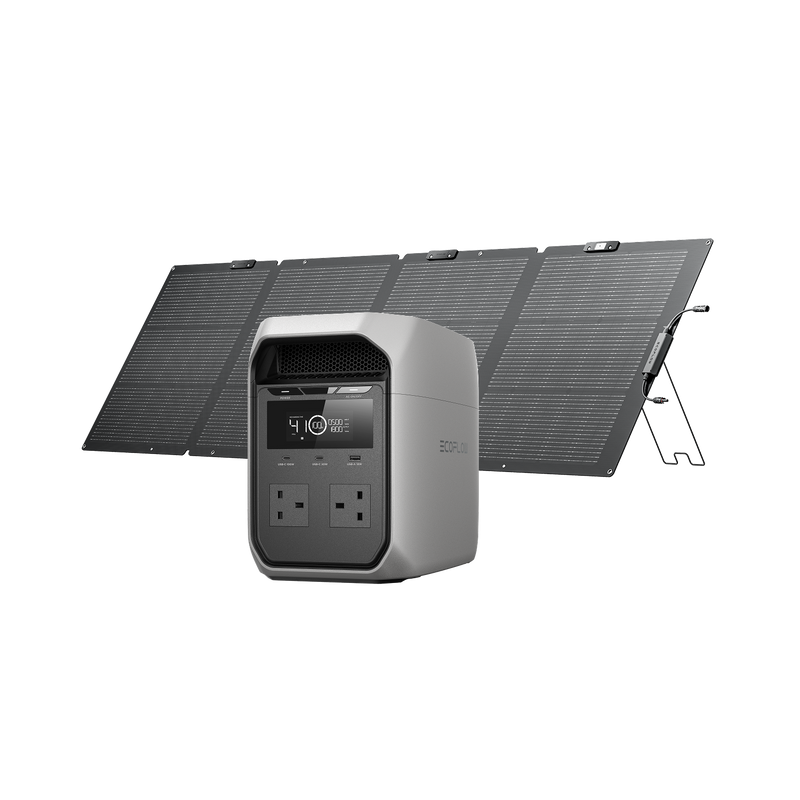
EcoFlow’s Best-Value 1 kWh Portable Power Station
Smart choice for your family activities and work


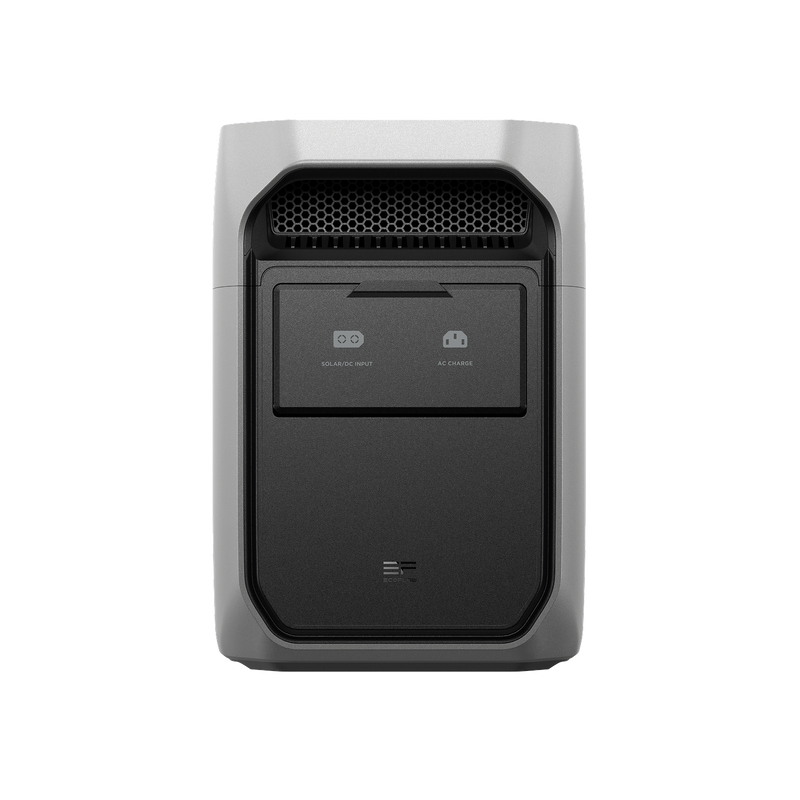
3 Ways to Charge—Anytime, Anywhere


3 Ways to Charge—Anytime, Anywhere


3 Ways to Charge—Anytime, Anywhere


1800W Output, 3600W Surge
Power Essentials Without Compromise
EcoFlow DELTA 3 Classic delivers a steady 1800W pure sine wave output with grid-level stability—enough to handle high-demand appliances like microwaves and power tools. [6] With X-Boost™ mode, it supports devices up to 2400W without tripping or slowing down—giving you seamless power for the moments that matter.


10ms Auto-Switch. Zero Interruptions.
When the power drops, DELTA 3 Classic responds in just 10 milliseconds—fast enough to keep critical devices like NAS systems and servers running smoothly. No data loss. No downtime. Just uninterrupted peace of mind.

Automotive-Grade Full-Tab LFP Cells
Long-Lasting, Durable, Always Ready for Emergencies
Rugged exterior and intelligent BMS for unmatched reliability

10-Year Lifespan, Built to Last
From battery chemistry to structural design, DELTA 3 Classic (1024Wh) is engineered for extreme durability, environmental resilience, and whisper-quiet performance—delivering power you can count on for over 10 years. [1]

Compact, Portable — Works Anywhere
Lightweight and easy to carry, DELTA 3 Classic (1024Wh) fits seamlessly into any setting, from your road trips to the great outdoors.

Deeper Insights, Easier Control
Monitor your energy usage and solar generation—all with one intuitive dashboard. Set timed charging/discharging missions so that you can charge during off-peak hours and discharge during peak rate periods to save costs.


1024Wh
1024Wh
960Wh
398mm × 200mm × 283mm
Approx. 397.6 × 202 × 283.6mm
220*223*263 mm
12.1kg±0.3kg
Approx. 12.5kg
9.9kg
1800W
1800W
Rated 500W (X-Boost 1000W)
USB-A: 1 × 18W Max
USB-C: 1 × 100W Max, 1 × 30W Max
USB-A: 2 × 18W MaxUSB-C: 2 × 100W Max
USB-A:1*12W, 12Max
USB-C:1*18W, 18Max
NO
YES (Car Power Outputand DC5521)
NO
5
13
3
1400W
1500W
500W
500W
500W
500W
YES
YES
NO
NO
YES. 1-5kWh
NO
What's in the Box

Specs
Color
Light Gray
Capacity
1024Wh
Net Weight
12.1kg±0.3kg
Dimensions
398*200*283mm
Total Output Ports
5
Max AC Output
1800W230V~50Hz
Surge Output
3600W
Max Output by X-Boost
2400W
Output Voltage
230V
UPS
10ms, UPS
Number of AC Outlets
2
USB-A-Fast
1*12W
USB-C
1*100w+1*30W
12V DC Output
None
Utility Power Charging
1400w
Generator Charging
1400W
0-80% Charge Time
Fast Mode: 45min
0-100% Charge Time
60 min
Input Voltage
220-240V~50/60Hz
Solar Charging
500W Max
Alternator Charging
PV-based XT60 Port, 500w Alternator Charger
Battery Chemistry
LFP
Cycle Life
10 years
IP Rate for Battery Pack
IP20 for complete product
CTC Craftsmanship
YES
Extra Battery Port
NONE
Extra Battery
NONE
Max Capacity with Extra Battery
NONE
Wi-Fi
YES
Bluetooth
YES
App
YES
Warranty
3+2 years
Noise
600W <30dB
200W <40dB
Maximum capacity 50dB
Operating Altitude
≤3000m
Discharge Temperature
-10 to 45°C
Charge Temperature
0-45℃
Storage Temperature
-10 to 45°C
User Guide
When using the DELTA 3 Classic for the first time, we recommend performing a simple battery calibration immediately after unboxing to ensure optimal battery performance. Follow these steps:
1. Use the device until the battery is out of power to 0%, then charge it to 100%;
2. Repeat this process for 1-2 complete charging-discharging cycles (100% → 0%);
3. If you find the above steps difficult, you can also update your device to the latest firmware version using the EcoFlow app.
Firmware updates may include system optimizations that further improve battery performance and overall stability. The specific steps are as follows:
1. Search for "Ecoflow" in the App Store or Google Play Store and download the app named "Ecoflow";
2. After opening the app, log in or register a new account, then click the "+" icon in the upper-right corner to go to "Add Device". Select DELTA 3 Classic from the device list displayed;
3. Press and hold the Power button on the DELTA 3 Classic unit until the screen turns off and then back on; then, click "Next" in the app;
4. After selecting the device, the Wi-Fi connection settings interface will appear. Please enter the SSID and password for the Wi-Fi network, then click Next; on the next screen, please wait for all three connection steps to complete;
5. Once the network connection is established, you will be taken to the Space selection interface; you can select an existing Space or create a new one by clicking "Add Space";
6. Once the Space allocation is complete, you will be taken to the device management interface. Please click the Settings button in the upper-right corner to enter the Settings interface;
7. In the Settings interface, click "Other" → "Firmware Upgrade", then click the "Upgrade" button to begin the firmware upgrade.


